
UnionBank rolls out Apple Pay for Philippine cardholders
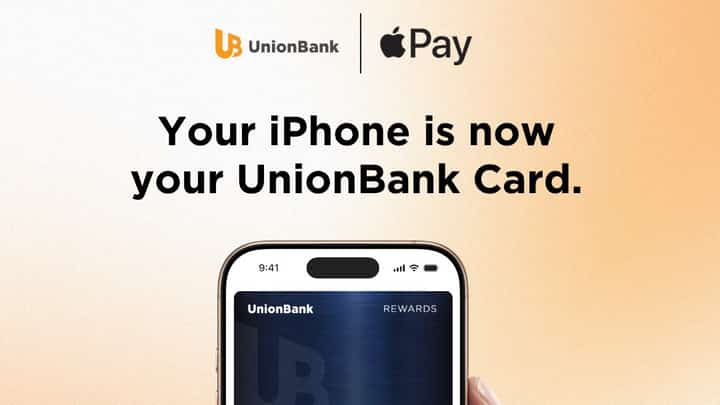
Union Bank of the Philippines (UnionBank) has launched Apple Pay for its cardholders, allowing customers to make contactless payments using their iPhone and Apple Watch, as well as online and in-app purchases through Apple devices.
Customers can pay at contactless terminals by double-clicking the side button, authenticating through Face ID, Touch ID or their device passcode, and holding their device near the terminal. Each transaction also uses a one-time dynamic security code.
"As we continue building a next-generation bank, we're focused on making everyday banking and payments simpler, safer, and more intuitive. Bringing Apple Pay to UnionBank cardholders enhances the payment experience by allowing customers to pay quickly and securely with the devices they use every day," UnionBank President and CEO Ana Aboitiz Delgado said.
"Whether they're shopping in-store, online, or in-app, customers can enjoy a more seamless way to pay, with the security and convenience they expect from UnionBank," she added.
Apple Pay can also be used on the iPhone, iPad and Mac for purchases in apps and on websites, eliminating the need to repeatedly enter card, contact, shipping and billing information.
UnionBank said actual credit or debit card numbers are neither stored on customers' devices nor on Apple servers. Instead, each card is assigned an encrypted Device Account Number, which is stored in the device's Secure Element.
To activate the service, UnionBank customers can open the Wallet app on their iPhone, tap the "+" button and follow the instructions to add their cards. Once added, the cards can be used through Apple Pay on compatible Apple devices, while customers will continue receiving the existing rewards and benefits attached to their UnionBank cards.